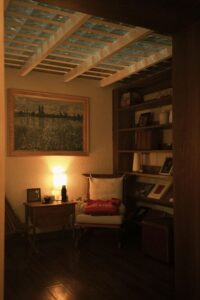
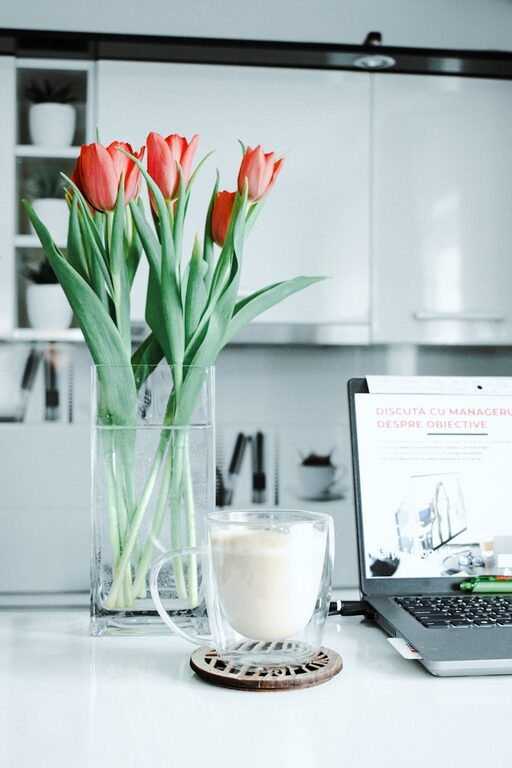
Creating a relaxing home workspace can make a significant difference in your productivity and overall well-being. When your work area feels peaceful and inviting, it’s easier to stay focused and motivated. Whether you’re working remotely full-time or just need a comfortable spot for occasional tasks, the right environment can help you perform at your best. Here are practical tips to create a calming workspace that boosts productivity.
Choose the Right Location
Consider Natural Light
Pick a spot with plenty of natural light. Sunlight helps regulate your body clock and improves mood and alertness. Place your desk near a window if possible, but avoid direct glare on your computer screen.
Minimize Noise and Distractions
Try to find a quiet corner away from household noise or high-traffic areas. If silence isn’t possible, consider noise-canceling headphones or a white noise machine to block distractions.
Invest in Comfortable Furniture
Ergonomic Chair
Your chair is one of the most important elements of your workspace. Choose a chair that supports your posture with adjustable height and lumbar support to prevent back strain.
Desk Space
Select a desk large enough to hold your computer, notebook, and any other essentials without feeling cramped. Clear surfaces keep your focus clear too.
Organize for Clarity
Declutter Regularly
A clutter-free desk helps reduce stress and keeps you focused. Sort through papers and supplies frequently, keeping only what you need nearby.
Use Storage Solutions
Drawer organizers, shelves, and bins help keep things neat. Label containers for quick access to office supplies and documents.
Incorporate Calming Elements
Use Soft Colors
Colors like soft blues, greens, and neutrals promote calmness and concentration. Consider repainting your workspace or adding accessories in soothing shades.
Add Plants
Indoor plants improve air quality and add a touch of nature to your space. Even a small succulent or fern can boost your mood and reduce stress.
Personal Touches
Decorate with items that make you happy but don’t overwhelm the space. Photos, art, or meaningful objects can create a positive atmosphere.
Control Lighting and Screen Settings
Adjustable Lighting
In addition to natural light, have adjustable lamps to control brightness levels. Warmer light in the evenings can help you unwind.
Screen Position and Brightness
Position your computer screen at eye level to prevent neck strain. Adjust screen brightness and contrast to reduce eye fatigue.
Establish a Routine
Set Work Hours
Try to maintain consistent work hours to build a routine that separates work and relaxation time, helping you stay productive and avoid burnout.
Take Regular Breaks
Stand up, stretch, or take a short walk every hour to refresh your mind and body. Breaks improve concentration and reduce stress.
Minimize Digital Distractions
Use Focus Tools
Turn off unnecessary notifications on your phone and computer. Use apps that block distracting websites during work hours.
Keep Devices Organized
Charge your phone and devices away from your desk to resist the temptation of constant checking.
Include Comfort and Wellness Features
Temperature Control
Maintain a comfortable room temperature. Too hot or too cold environments can make focusing difficult.
Hydration and Snacks
Keep a water bottle nearby and healthy snacks on hand to maintain energy levels without leaving your workspace frequently.
Final Thoughts
Designing a relaxing home workspace is about blending comfort, organization, and aesthetics to support your workday needs. Small changes like better lighting, decluttering, or adding plants can create a calming environment that encourages productivity and reduces stress. Take time to personalize your setup, and you will likely see improvements in focus and work satisfaction.
By paying attention to your workspace environment, you take an important step toward a healthier and more productive work-from-home experience.